
How to use a voucher code you won in a League or Race
Redeeming a voucher code is very simple!
Follow these 3 simple steps:
1. If you are currently paying please Cancel your subscription by clicking on Settings (top right corner) and then Cancel (mid page, red button). If you are not a paying member you can start from Step 2.
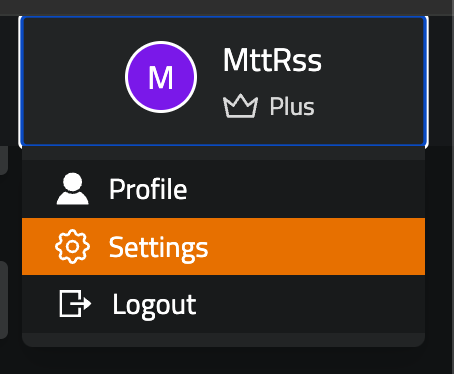
2. Log In and select Membership on the left Menu, then Upgrade to Plus or Premium (check what product your voucher applies to, to avoid error messages)
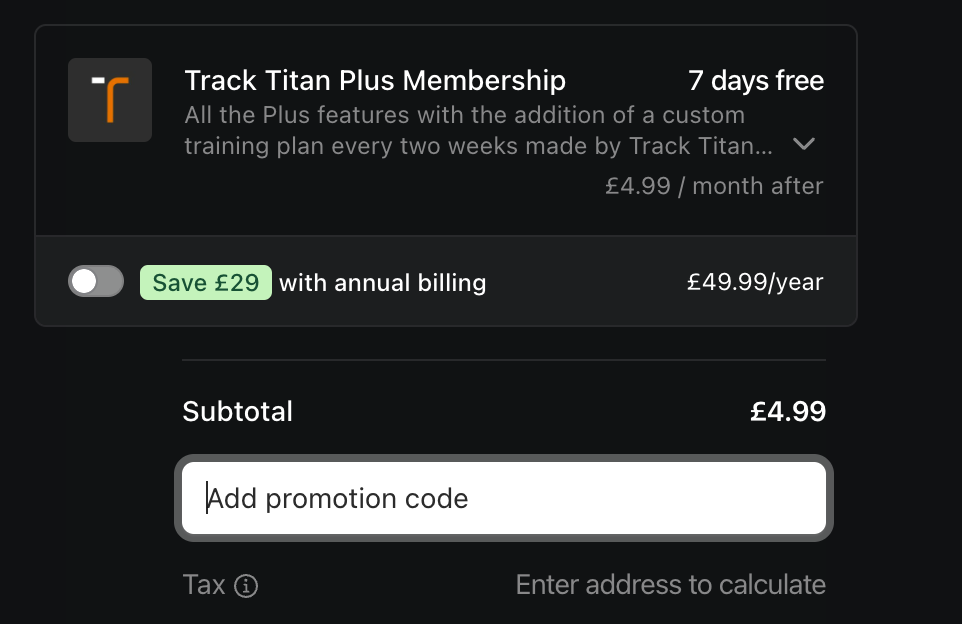
3. Now apply the Voucher Code on the checkout page, under Add Promotion Code.
If you run into any issues, get help from the team: email us at hello@tracktitan.io or join our Discord.
©Track Titan 2026. All rights reserved


